Dissertation always felt like a giant, unfamiliar monster to tackle in my earlier stages of writing. As I started to read up more on theories and frameworks, it became less intimidating. The critical journal part was more approachable than I expected, namely because of its similarity to writing CPJs. Since the discussion was the bulk of the dissertation, it became much more manageable to write! I organized and added some more pointers of reflection below.
Researching about Singapore's current approach towards cultural heritage and it's existing initiatives helped me understand how my interfaces can contribute to our local cultural scene. This made me more confident in the purpose of my project.
Studying design theories, such as Natural User Interfaces and Flow Theory helped me ground my making within effective interface design approaches, enhancing my designed outcomes and its effectiveness.
The user testing results highlighted to me the next possible iterations I can work on for my prototypes. Furthermore, my critical journal highlighted to me the existing flaws and opportunities that exists, giving me a clearer idea on the next steps.
I will use the evaluation and user insights from my critical journal to rework my current Peranakan Language Tiles prototype, such as introducing more tiles and artifacts and enhancing other UI qualities. I also need to move forward from the paper prototypes and work towards redesigning and 3D modelling the Language Tiles to create a more polished outcome. Lastly, I also need to enhance the learning aspects of the interface by providing users more specific educational insights about the individual artifacts.
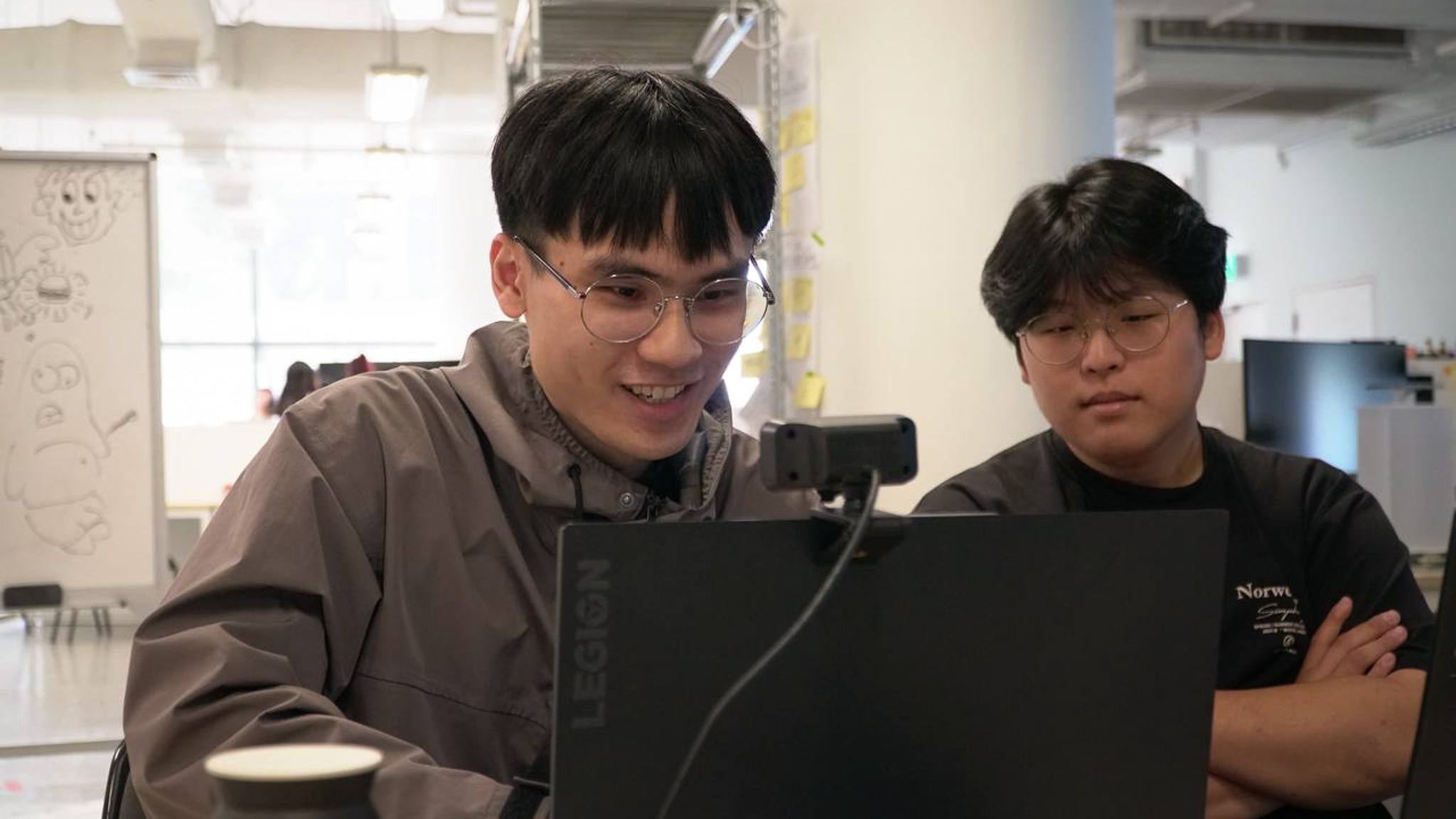
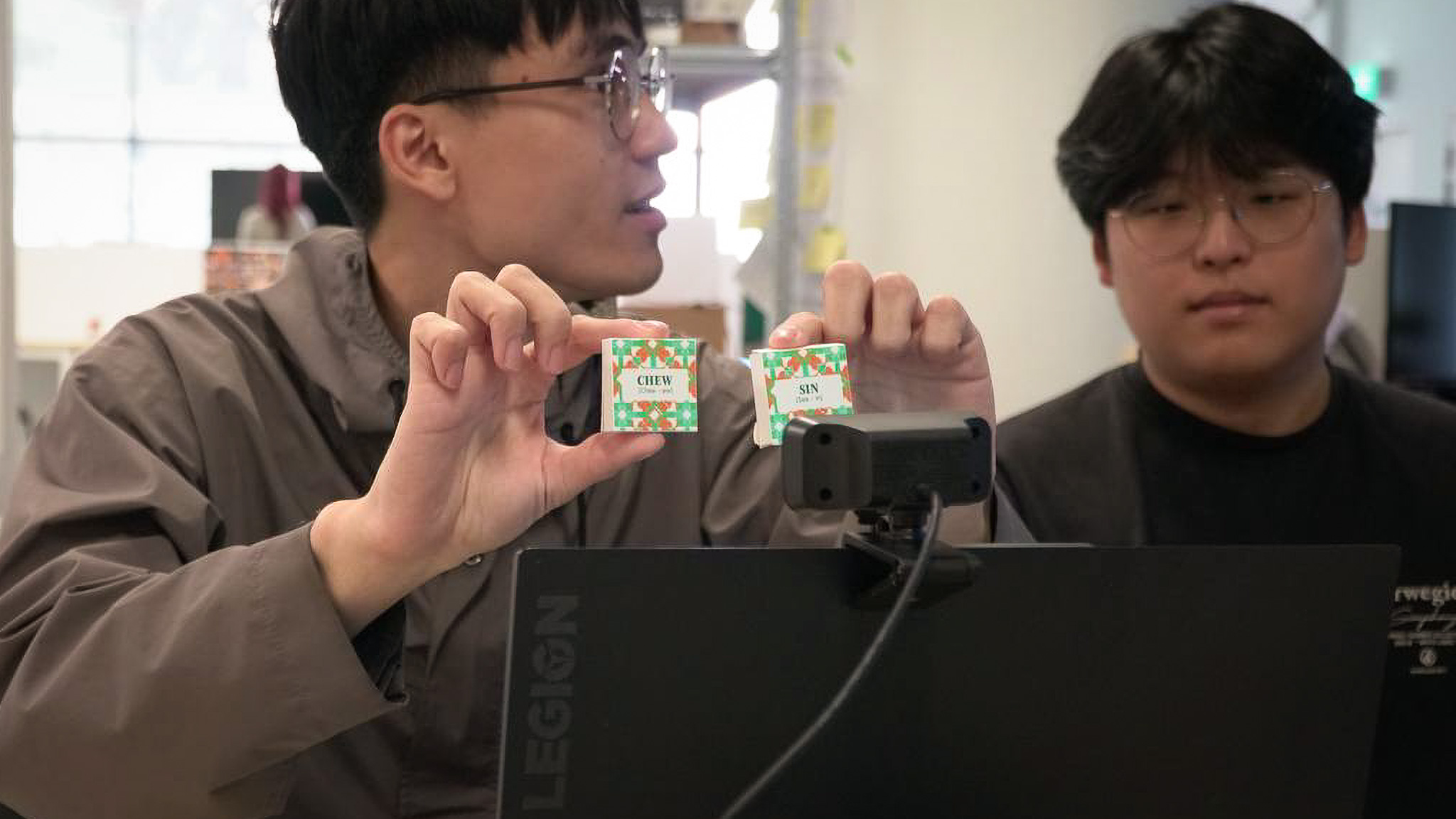
Me presenting my prototype two - Peranakan Language Tiles
There was not much time to relax! We have our next deadline incoming, which is our graduation project. I did a presentation on my current progress and obtained some feedback from Andreas.
I could have presented the underlying theories that I have used within my interface designs. For example, I could explain how i applied the framework of Natural User Interfaces into my Language Tile prototype or how I referenced Embodied Cognition in my work.
I have to work to move towards a more refined physical interface. As mentioned above, I will move to 3D model the tiles and 3D print to create a refined outcome. Interface visual and layout can be improved too.
It was great to hear that my prototype has opportunities to be realized in real world scenarios, like the museum or local exhibitions. On top of this, I also need to rework my presentation, like using videos to convey the concepts of my project to new audiences.
The feedback was largely in line with my plans to rework my prototype as discussed in section one. The difference in the feedback here from that of the above user testing mainly lies in how I present the story and concepts behind my work. This is something which I must keep in mind to ensure that my graduation project is well understood by its participants. My video should include some context about Baba Malay, the language that my prototype is based upon and also talk about the theories I apply in my design process on top of how my interface works.
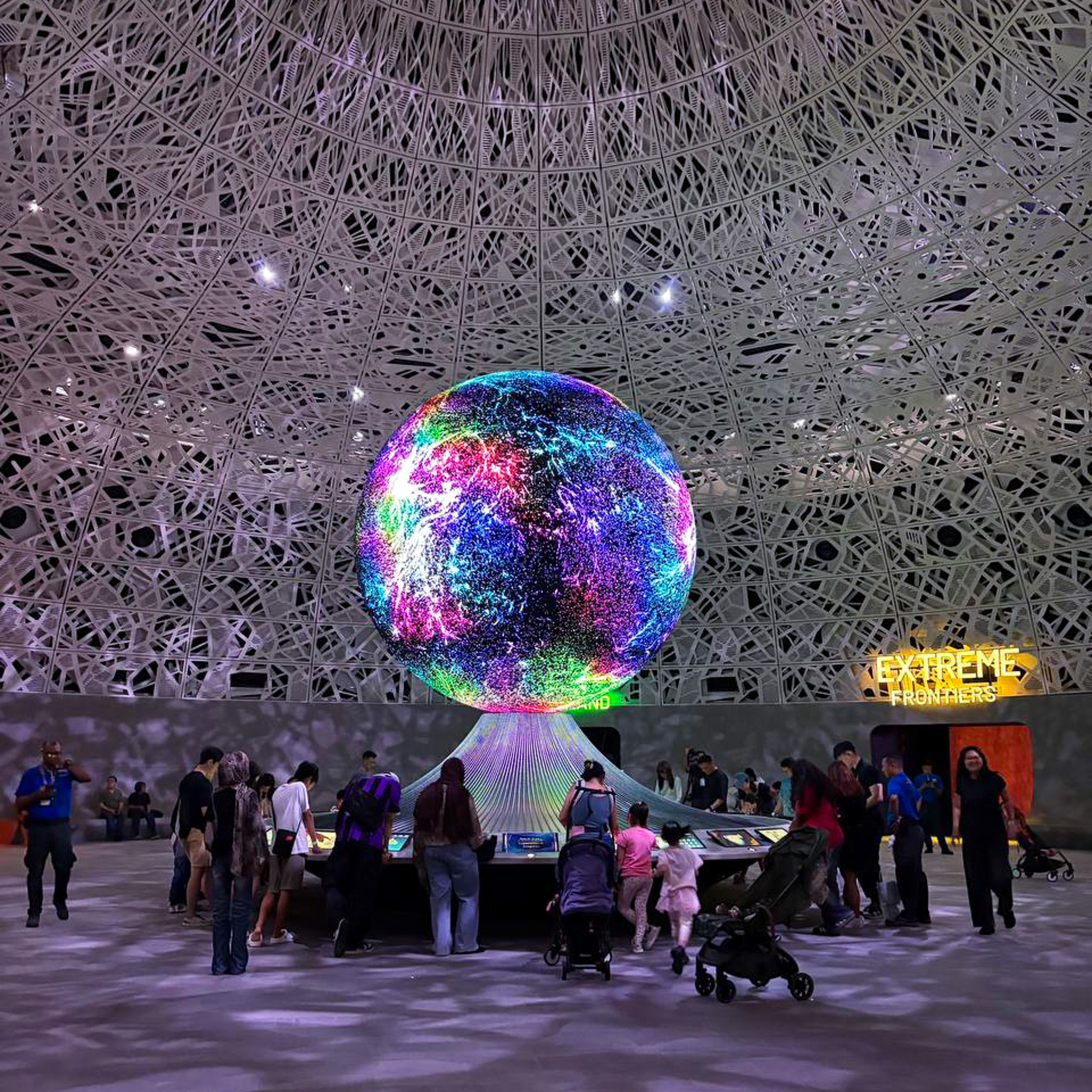
The "Biopool", participants create their avatars here
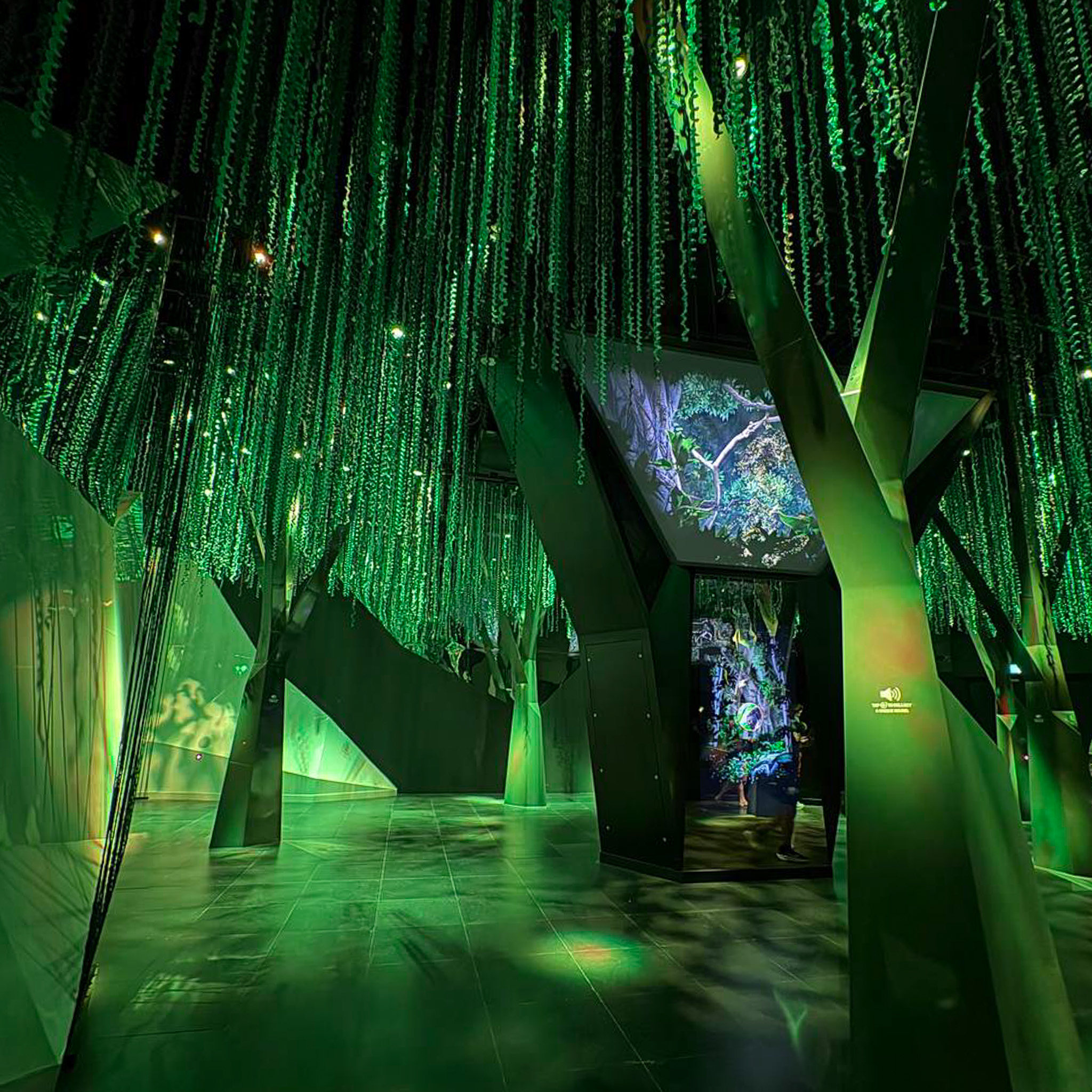
"Infinite Wonderland", a immersive rainforest-like space
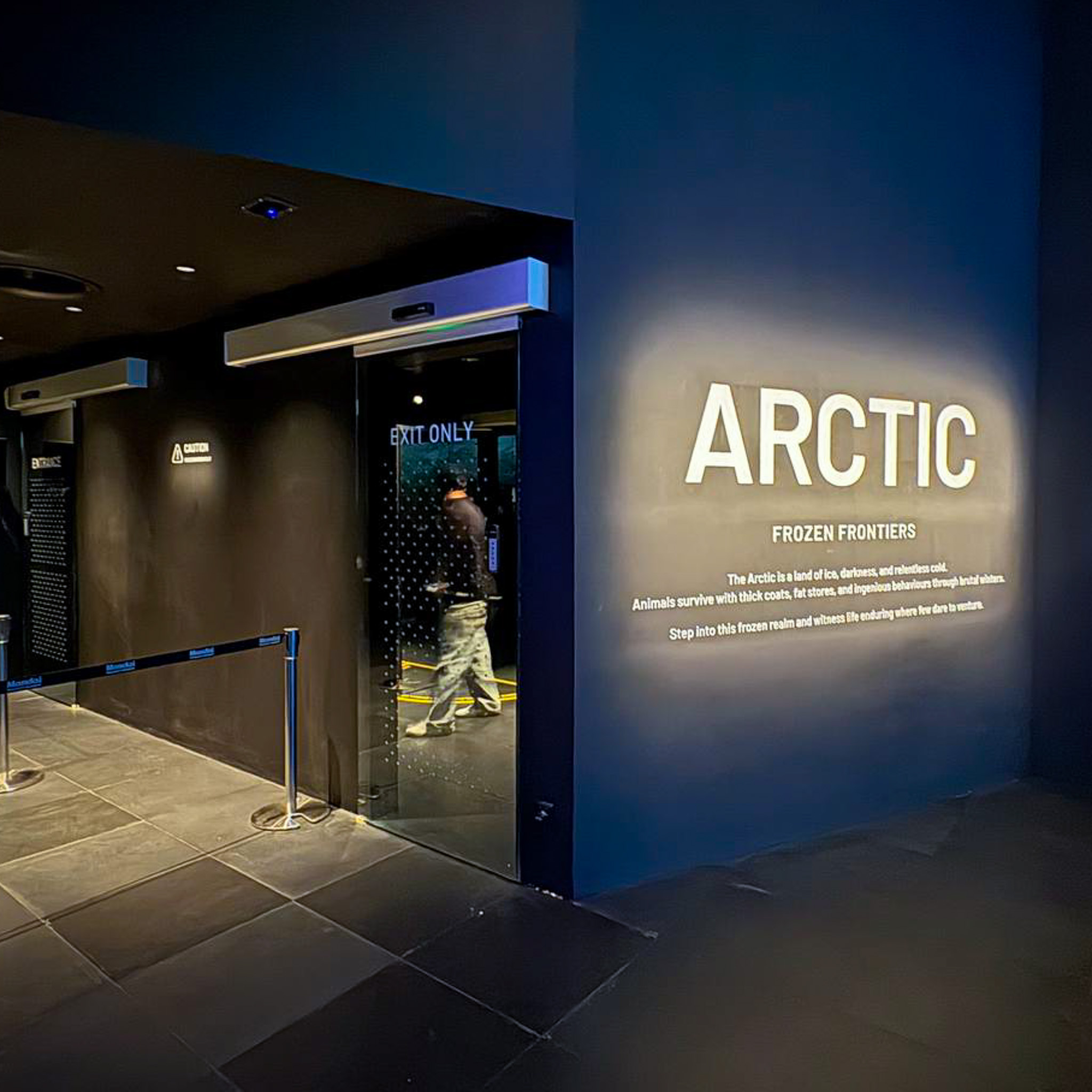
"Artic", a freezing room simulating the Artic
Post-disseration, I took a quick break and visited the Exploria museum in Mandai Wildlife Reserve.
Exploria is a nature themed indoor multimedia attraction in Singapore that consists of five immersive
exhibition spaces covering different themes, like "Realm of Giants" and "Infinite Wonderland" that
immerse participants in the world of prehistoric dinosaurs and rainforest habitats. These exhibition
spaces not only integrate immersive spatial experiences, but also interactive interfaces that educates
people about the stories and history of animals and their habitats.
This is great for me
because I can see how existing museum spaces integrate interactive technology to facilitate learning!
-
RFID Interactive Screens in "Realm of Giants"
-
Another one with life size sculpture behind
In my time at the "Realm of Giants" exhibition space, I came acros some sets of RFID Interactive Interfaces where users scan their RFID wristbands to trigger animation videos that educates users on the story of the respective dinosaurs. There was also life-sized sculptures of these prehistoric giants that allowed us to understand their true scale. It was really insightful, but I noticed that some people didn't have the attention span to stay through the entire animation. Perhaps incorporating more active interactions will help! Below are some learning points.
The animations were effective in conveying the actions and appearances of these dinosaurs. On the first viewing, I could understand how these dinosaurs act within their habitat. Thus in my FYP, I should look to pay attention to how accurately I depict my artifacts to ensure audiences know what they are about!
My favourite part was the life-sized models of these dinosaurs. On top of making the space more immersive, I get to see myself their true scale and appearances. I learnt that it's not just about the interface, but also that the environment that the interface is situated within plays a big role in the experience.
-
Using Hand Gesture to find Artifacts
-
Climbing a Tree with Gestures
These interfaces were probably my favorites at the museum. The left one uses hand tracking to find artifacts that are hidden within the landscape, playing a informative animation once found. The right one role plays participants as a monkey, where they use climbing gestures to climb a tree. When a certain height is reached, a digestible fact about the animal is presented, allowing users to learn about them in a fun way without feeling overwhelmed.
Outside of social media content, I actually do not come across much interfaces in Singapore that uses gestural controls. I saw first hand how these gestural interfaces enhanced the enjoyment of the experience (notice how everyone was laughing and enjoying at the tree climbing interaction video!). Furthermore, I feel that these interactions allow for more intuitive forms of HCI interactions.
I liked how they fit in informative material alongside interactions, but it's not a overwhelm amount of information. This balance of interaction enhances the learning effectiveness of the interface as I feel that it balances fun and learning well!