Following up on last week evaluations, I set out to buy the replacement for the granite Batu Lesong and other essentials to work on my next iteration. Firstly for the replacement, I bought a wooden version of the Batu Lesong, named Lesong Kayu (wooden mortar) at Japan Home, which is a hardware store. To further mitigate the issue of sound, I walked a few rounds around Daiso and came across some felt balls. I felt that the volume of the balls and its soft material is perfect for cushioning the knocking impact. Lastly, I also bought some foam boards to make a base for the Lesong Kayu, which I will explain in the next section!
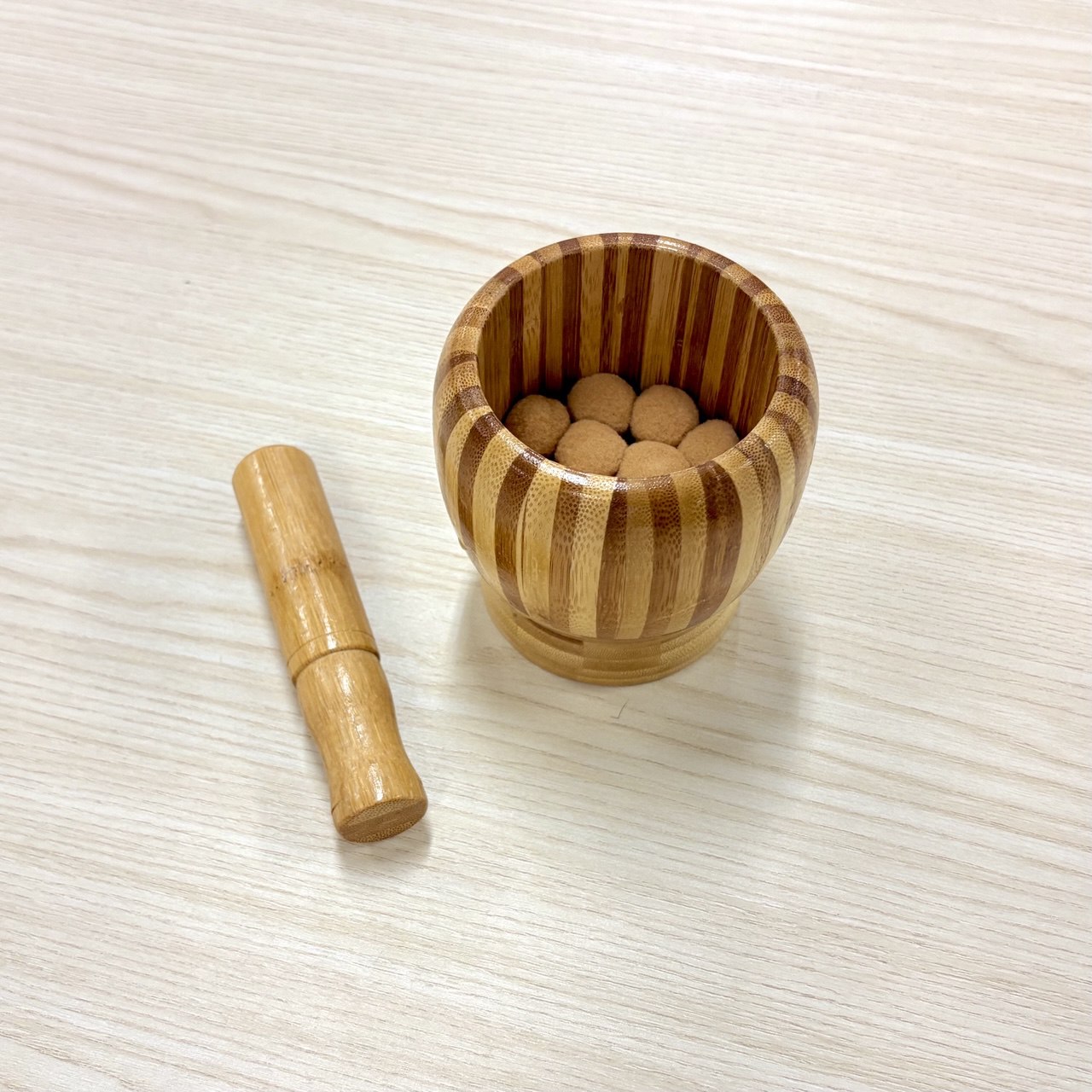
The Wooden Lesong Kayu
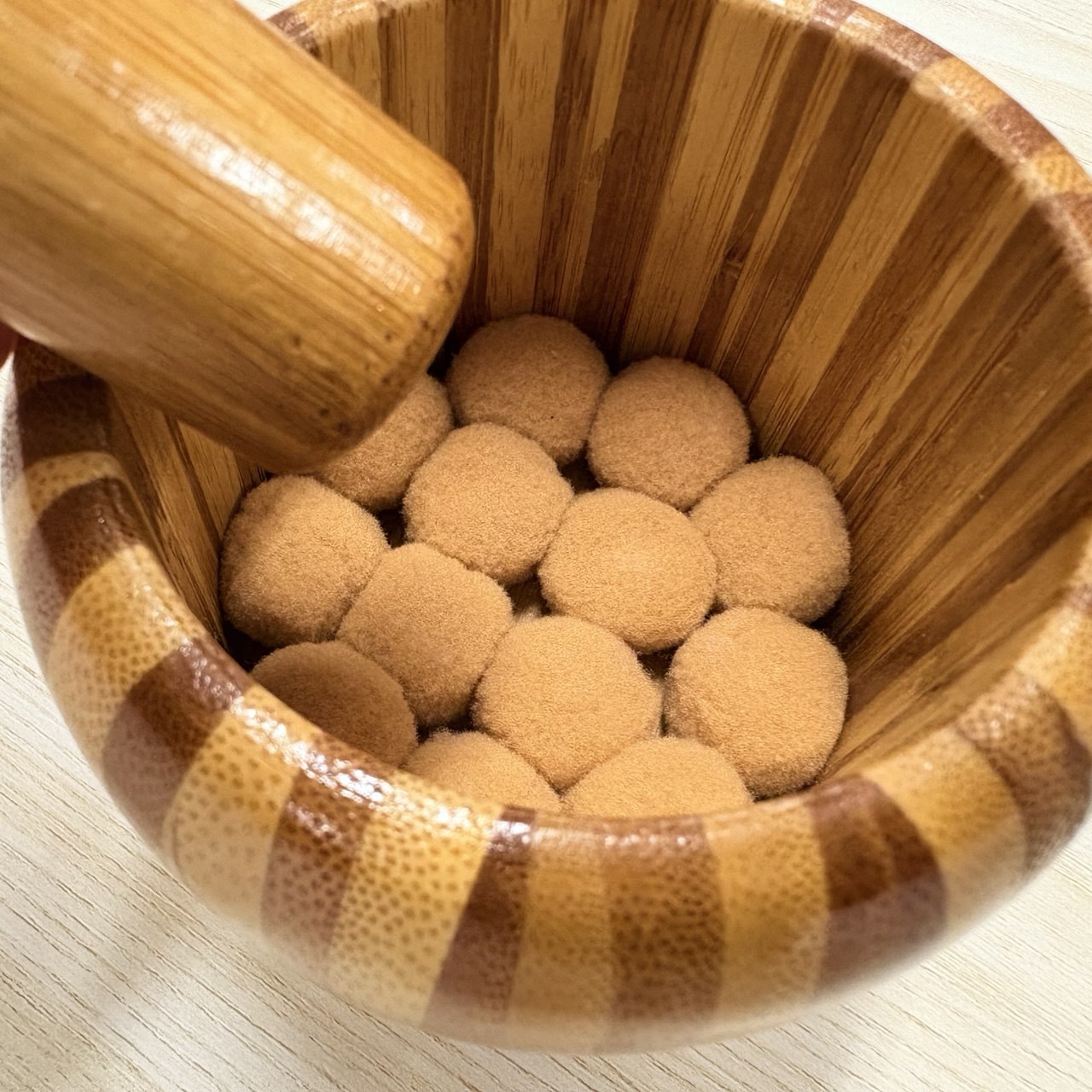
Bought soft felt balls
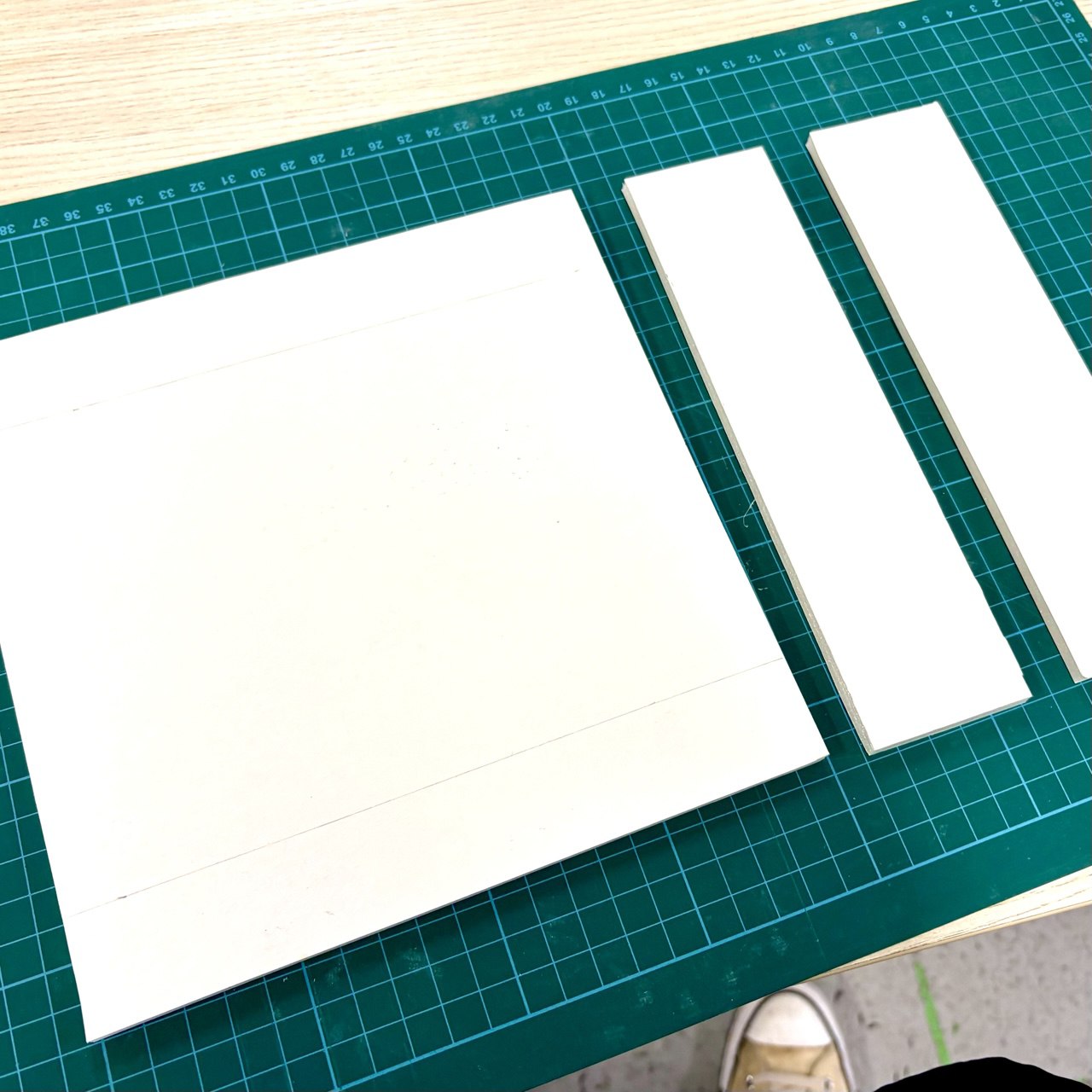
Some foam boards for the base
To swap out the microphone sensors for vibration sensors, I got a piezo disc (a type of vibration sensor). I initially thought that I could just place the piezo disc on the table along with the Lesong Kayu, and that the knocking of the Batu Lesong will affect the reading. Unfortunately after some initial testing, that was not the case. I taped the piezo on the table and coded Arduino and TouchDesigner to record the vibration data received. Despite knocking hard with my fist on the table, there was no visible data changes. My hypothesis (might be wrong) is that the density of the table absorbs most of the impact of the knocking, leading to no readings on the piezo.
-
Knocking on the table
-
No data changes on TD
Therefore, I came up with a solution to create a platform base where the Lesong Kayu will sit on, mounting the piezo disc on the underside of the platform right below the Lesong Kayu. This is where the earlier foam boards come in. I created a square platform and cut out smaller foam boards that will serve as its legs. I made sure to leave a space where I can mount the piezo disc and also cut out a small hole for the wires to get in. To make it more visually cohesively, I decided to make the platform "tiled". Hence I also created a visual simulating the patterns on Peranakan tiles, printed on the face of the foam board to make it look like the Lesong Kayu is sitting on top of a Peranakan tiled floor.
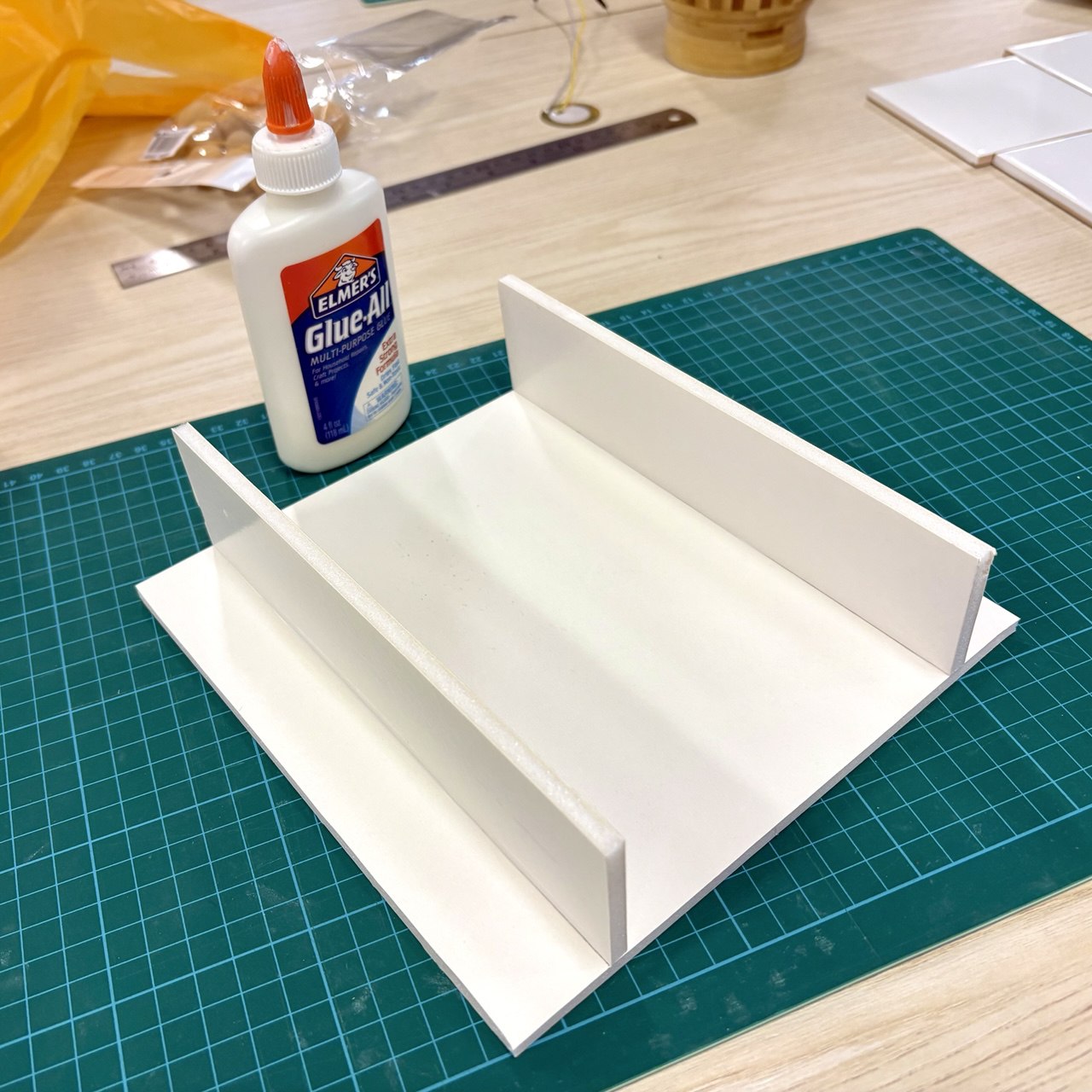
Sticking the legs onto the platform
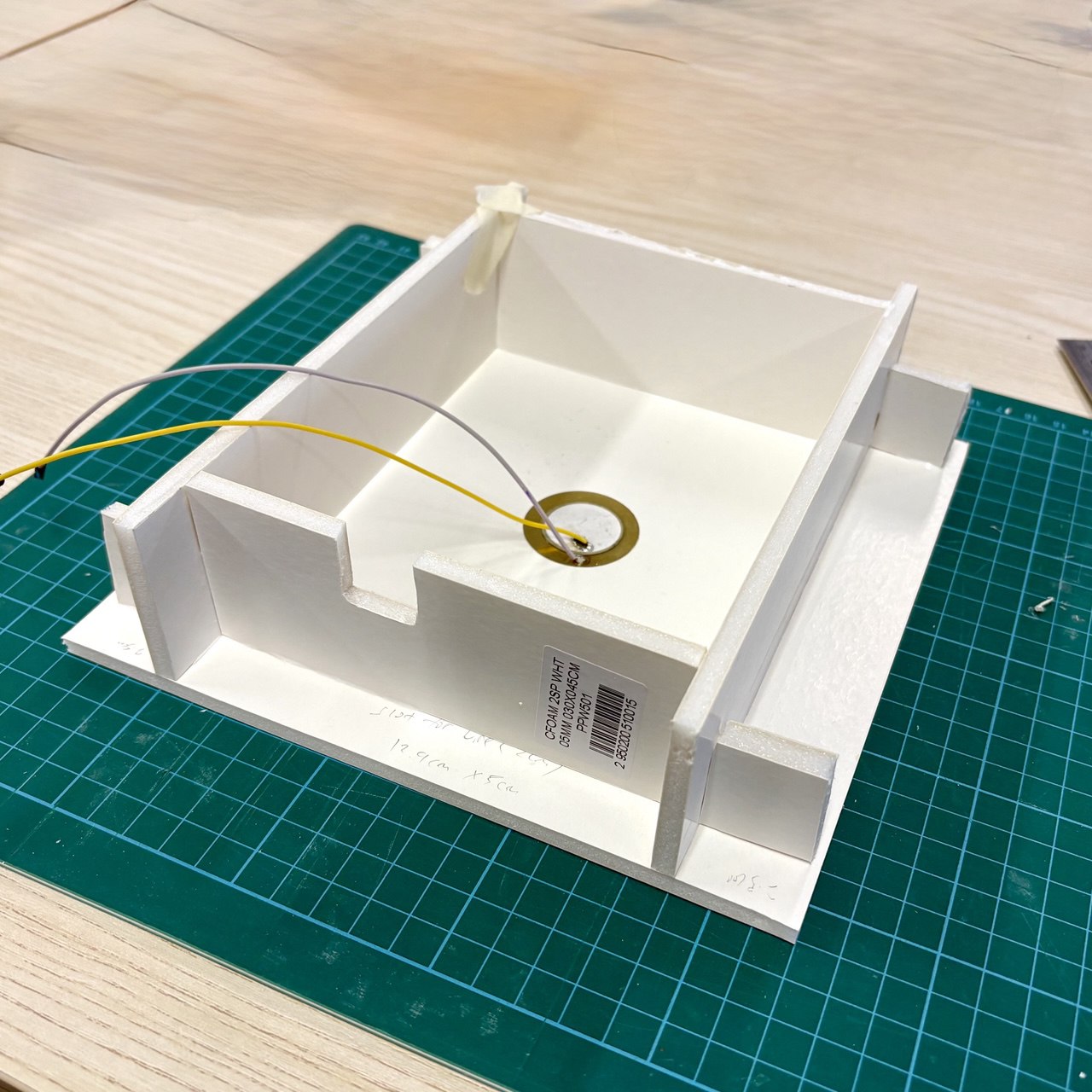
Attached the piezo disc underneath platform
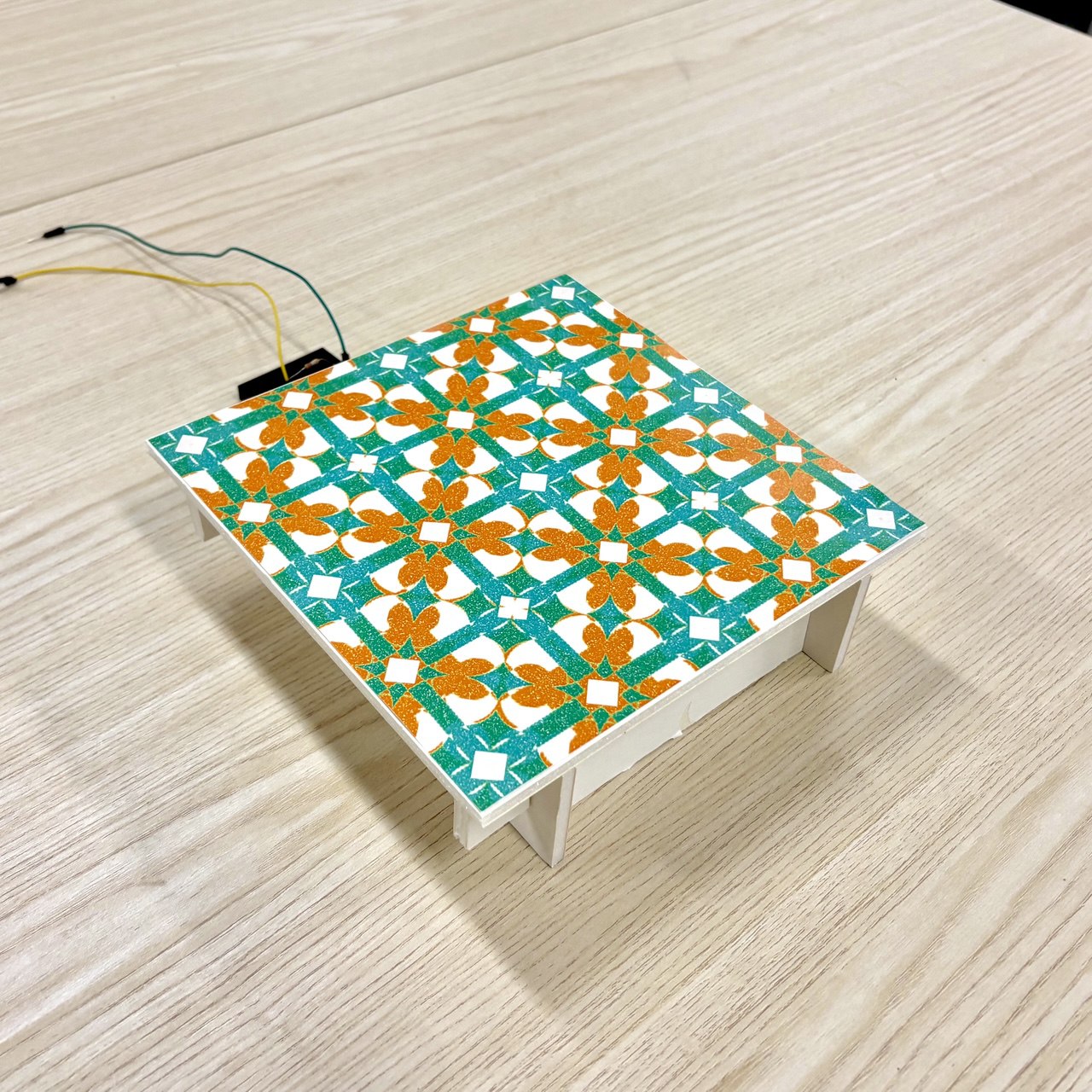
Final outcome with peranakan motif overlaid
I created the visuals in TouchDesigner, through a technique where I basically copy/mirror/repeat a base shape to form a tile pattern. To shape the overall tile design, I intentionally distorted the base shape, controlled some Transform TOP parameters and added movements to create something inspired by the traditional Peranakan tile designs but yet dynamic and interesting.
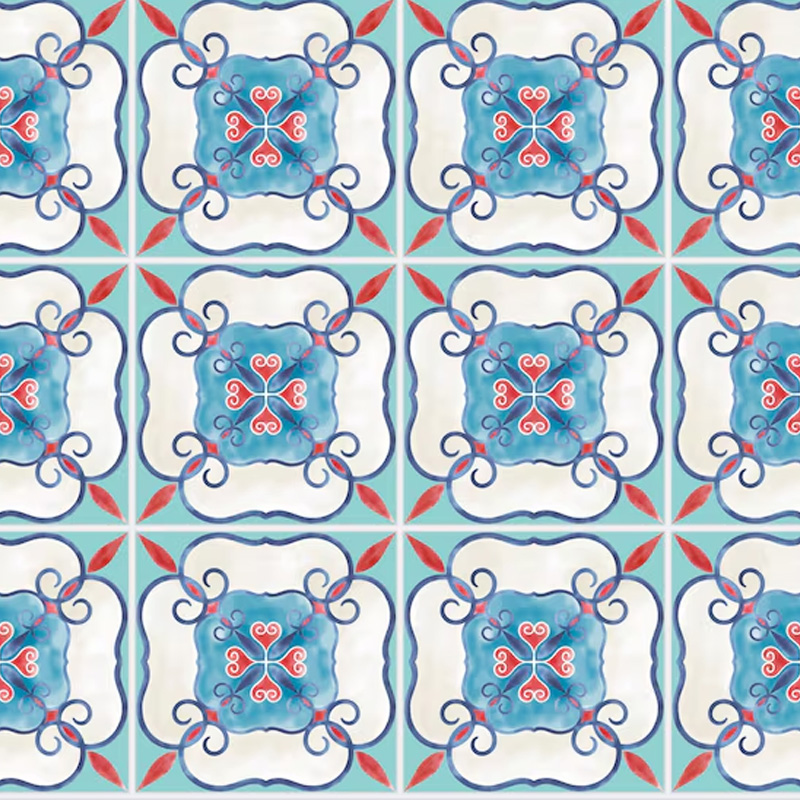
A example of a Peranakan tile design
-
My TouchDesigner tile visual
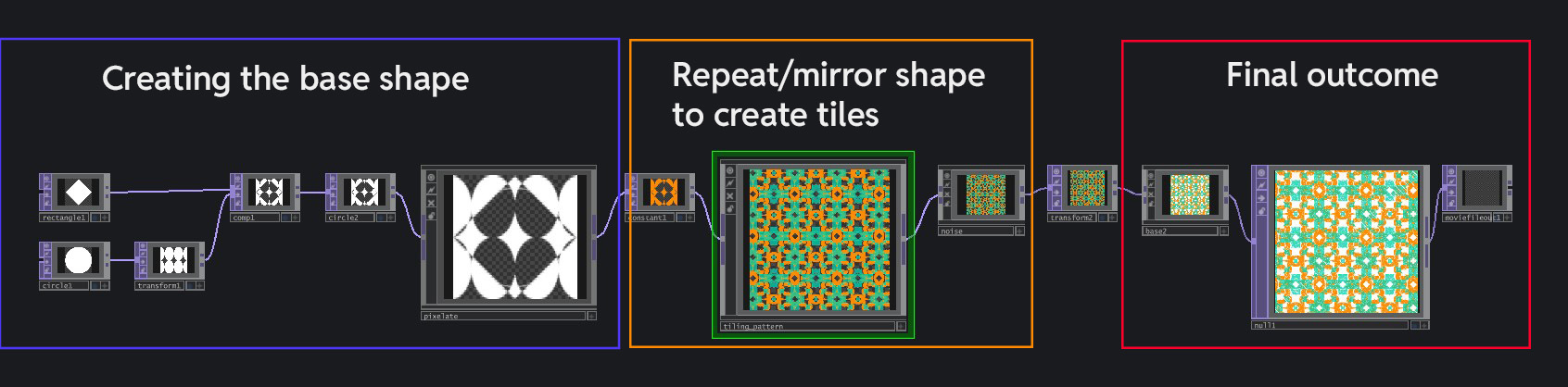
The node network summary for the visual (some nodes are within bases)
With the platform and piezo disc mounted and ready, the next step was to put it to the test. I attached the piezo disc into my Arduino and imported it's data into TouchDesigner with a Serial DAT. It is the exact same process as importing ZigSim's data, and all I had to do was to remap the new value ranges from the piezo disc to allow its received data values to visually transform the digital rempah. I placed the Lesong Kayu on top of the platform, directly above the piezo disc and gave it a spin. I was quite happy with the results, as the knocking was registered accurately and successfully affect the visuals of the digital rempah. There was some instances where it was slightly unresponsive, but I thought it could be due to me not knocking hard enough.
-
The Current Outcome
Very unfortunately, somehow the interface failed terribly during my consultation with Andreas. He had a very tough time in finding the correct knocking pace, and the visuals were reacting sluggishly (visual output was delayed). I was quite taken aback by this as It was working well enough during my self-testing. Below are some of the key feedbacks he have given.
Andreas' inputs were somehow registered as a double input on some knocks, hence that's why he was triggering the "too fast" warnings even when he knocked slowly. This was the main reason hindering it's usability.
Despite the pop-ups and progress bar, there is still insufficient guidance from the interface in guiding users towards the optimal interaction process. I did not add a "Too slow" pop-up that informs users that they are knocking too slowly (which causes non-input). So sometimes users might slow down on the "too fast" warning, but slow down too much that it becomes a non-input. A terrible error here.
A key point brought up by Andreas was that interface interactions is like a sparring conversation between humans and machine. There has to be adequate response from the machine to user's inputs for it to have a effective interaction. Otherwise, it feels like a one-way conversation that dies down really quickly.
The biggest issue here is on functionality of the interface. I have to iron
out the issues with regards to the double input from a single knock. There are many possible
reasons for this error. It could be due to the different ways in which users naturally knock on the
Lesong Kayu. It can also be due to my code, where It could use some delays between each input to
prevent double input. Nonetheless, I have to experiment and look into it further and most importantly
get people to test it. I still have more work to be done with regards to the
interaction feedback, such as adding a "too slow" pop up or adding more dynamic visual
transformation to the digital rempah upon input, to make the interface more responsive.
Personally, this interface felt really tiring to build. Maybe it was the constant setbacks and issues
with both visuals and interaction experience that kind of worn me out, despite numerous attempts in
trying to rectify them. Despite these issues, the silver lining here is that
the failures that occurred during this prototyping process is extremely valuable for my dissertation
writing and provides me plenty of content to write about. This is one thing that I am super
happy with!

Flow by Mihaly Csikszentmihalyi
During my readings for my dissertation, I came across the Flow Theory by Mihaly Csikszentmihalyi, which felt like a great read to share at this point in my CPJ. To explain, Flow is a state where someone is fully focused on a given experience, where they feel a deep sense of enjoyment and lose track of time. Being in a state of Flow is beneficial as it encourages people to be fully present within a experience and also enhances their enjoyment. An ideal state I want my interface users to be in! Below are some key pointers which I have learnt from this reading that I believe is relevant to my project.
A experience has to have adequate challenge for someone to enter flow state. If it's too easy, we might fall into boredom, but if it's too hard, we will become anxious. Linking back to my prototype one, my interface provided a challenge that was too difficult, causing my users to feel anxious and frustrated and preventing them from entering Flow.
To maintain the state of Flow, the experience must provided adequate feedback for us to register that our actions are having results and reactions, thus enhancing our sense of control. Using tennis as a example, when we hit the ball with the racket, we feel the force and hear the sound it makes, letting us know of a successful hit and keeping us in flow. A bad example can be seen from my prototype as well, where my interface had inadequate feedback, pulling users out of Flow because they were confused whether their input has been registered.
Similar to the first point on challenges, the participant's skill level affects how they perceive their experiences. In the same example of a tennis game, if player A is leaps and bounds ahead in skills above player B, player A will feel bored, while player B will feel anxious and frustrated. Applied in the context of our project, the experience must cater to our user's skill level, meaning we should not use physical interfaces that are too technically challenging to operate.
Therefore, the Flow Theory becomes a important concept for me to keep in mind when I am designing user interface experiences. This theory also have provided explanations into the failures of my prototype, and hinted at possible directions in which I can look to work on, such as establishing strong experience feedback and creating a suitable challenge for my users.